
From Smartphone to Wall: How to Turn Your Everyday Phone Photos into Stunning Canadian Canvas Prints
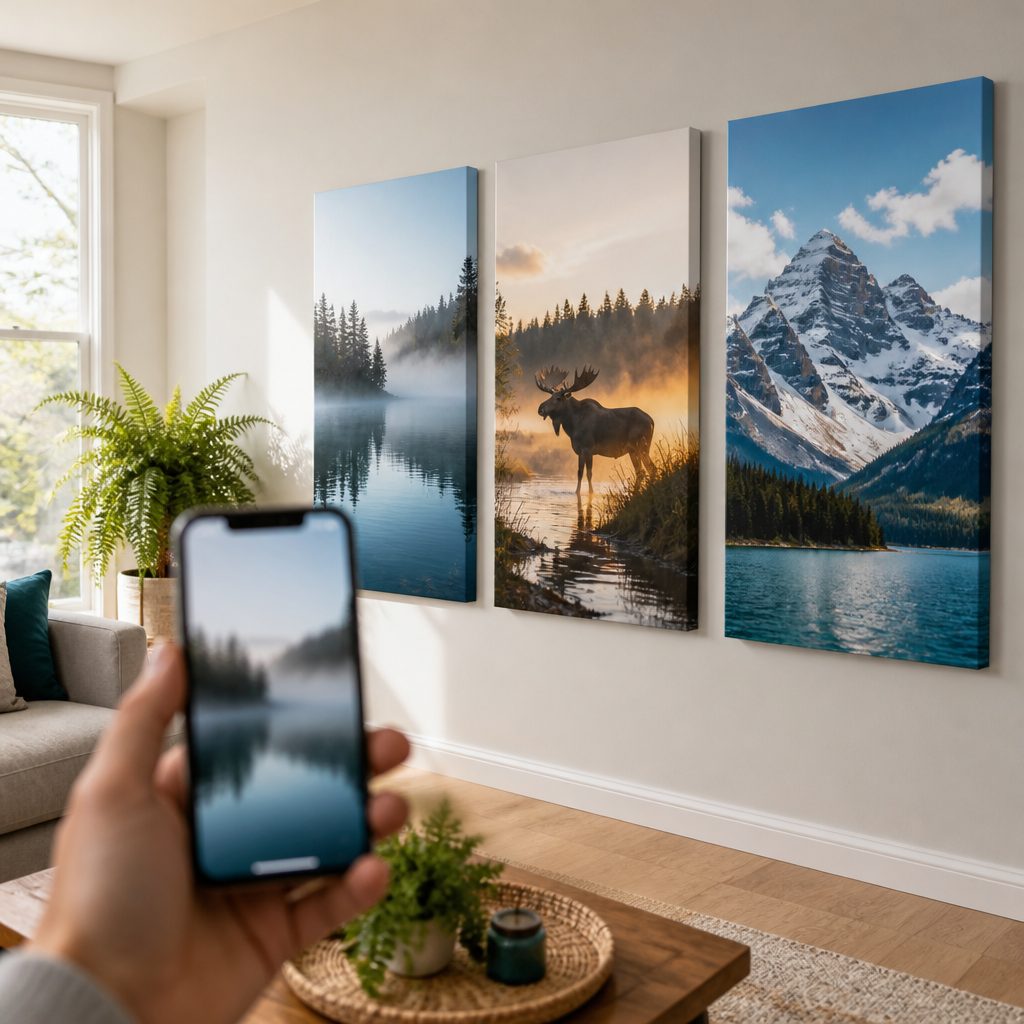
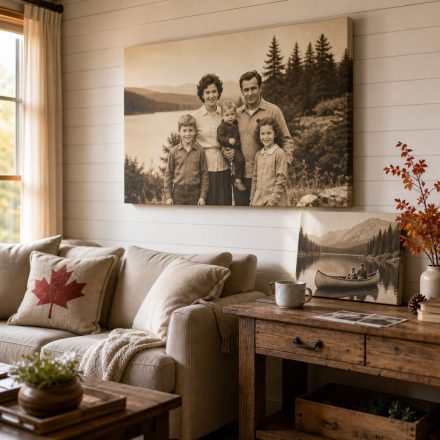
In today's digital age, we carry a powerful camera in our pockets everywhere we go. Yet, most of the thousands of photos we snap on our smartphones stay trapped in our devices, never seeing the light of day. Imagine if you could take those everyday moments—a walk in the park, a family gathering, or a stunning Canadian landscape—and turn them into beautiful wall art. With Canvas.ca, you can! In this guide, we'll show you how to select, edit, and transform your smartphone photos into stunning canvas prints that will elevate your Canadian home decor.
Why Smartphone Photos Make Great Canvas Prints
Modern smartphones have incredible cameras that can capture high-resolution images with vibrant colours and sharp details. In fact, many phone photos are more than suitable for printing on canvas, especially when viewed from a normal distance. The key is to choose the right images and prepare them properly. Plus, smartphone photos often capture candid, authentic moments that professional cameras might miss—making them perfect for personal wall art.
Choosing the Right Photos for Canvas Printing
Not all photos are created equal when it comes to canvas printing. Here's what to look for:
- High Resolution: Ensure your photo is at least 1500 pixels on the shortest side for a small print, and larger for bigger sizes. Check your phone's settings to shoot at the highest resolution possible.
- Good Lighting: Photos with natural, even lighting work best. Avoid harsh shadows or overly dark images.
- Sharp Focus: Blurry photos won't look good on canvas. Make sure your subject is in focus.
- Composition: Think about how the image will look on a wall. A strong focal point and balanced composition will make a more impactful canvas print.
Editing Your Smartphone Photos for Canvas
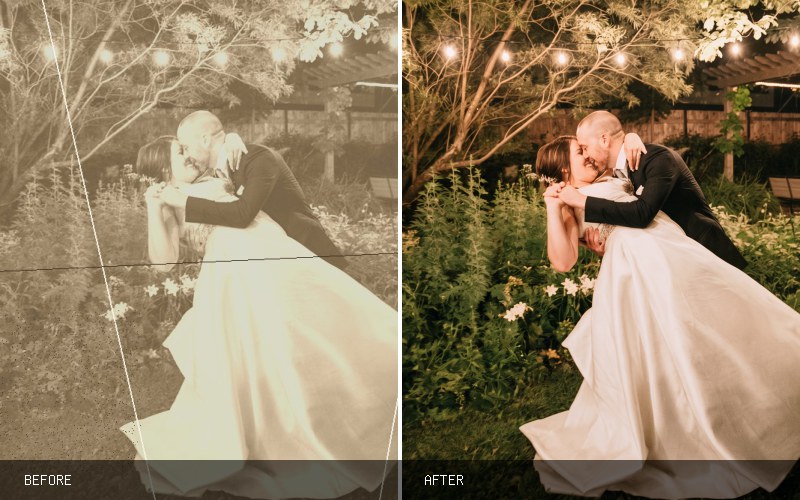
Before sending your photo to print, a little editing can go a long way. Use your phone's built-in editing tools or apps like Lightroom or Snapseed to:
- Adjust Brightness and Contrast: Canvas printing can sometimes make images appear slightly darker, so brighten them a bit.
- Enhance Colours: Boost saturation slightly to make colours pop, but don't overdo it.
- Crop for Composition: Remove distractions and ensure the aspect ratio matches your desired canvas size.
- Sharpen: A slight sharpening can help details stand out on the textured canvas surface.
Preparing Your File for Canvas.ca
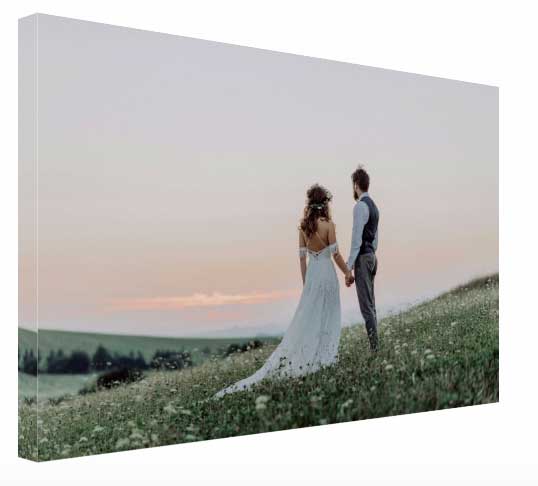
When you're ready to order, visit Canvas.ca and upload your edited photo. Our system will guide you through choosing the size, wrap style, and finish. For best results, upload the highest quality file you have. If you're unsure about resolution, our team is happy to help—just reach out!
Creative Display Ideas for Your Smartphone Canvas Prints
Once your canvas prints arrive, it's time to showcase them. Here are some ideas to inspire your Canadian home decor:
- Gallery Wall: Mix and match different sizes of your phone photos for a personalized gallery wall.
- Seasonal Rotation: Swap out prints to reflect the changing seasons—think fall colours, winter snowscapes, or summer cottage scenes.
- Photo Series: Create a cohesive series by printing multiple photos from a single event or theme.
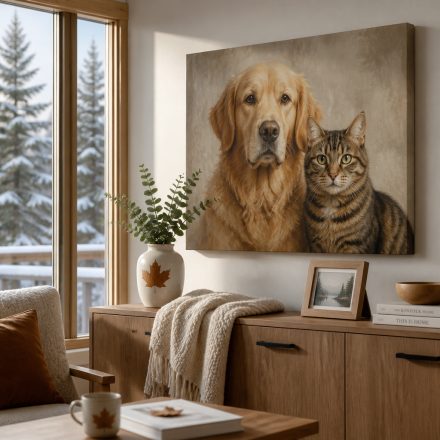
- Statement Piece: Enlarge a single stunning photo into a large canvas for a dramatic focal point.
Tips for Preserving Your Canvas Prints
To keep your canvas prints looking vibrant for years, avoid hanging them in direct sunlight or damp areas. Dust them gently with a soft cloth. Canvas.ca uses high-quality materials and inks to ensure your prints are made to last.
Ready to turn your smartphone photos into stunning canvas prints? Visit Canvas.ca today to upload your favourite images and create custom wall art that tells your story. With our easy-to-use tools and fast shipping across Canada, your memories will be on your walls in no time. Don't let those photos gather digital dust—bring them to life with Canvas.ca!