From Phone to Wall: How to Turn Your Old Photos into Stunning Canvas Prints
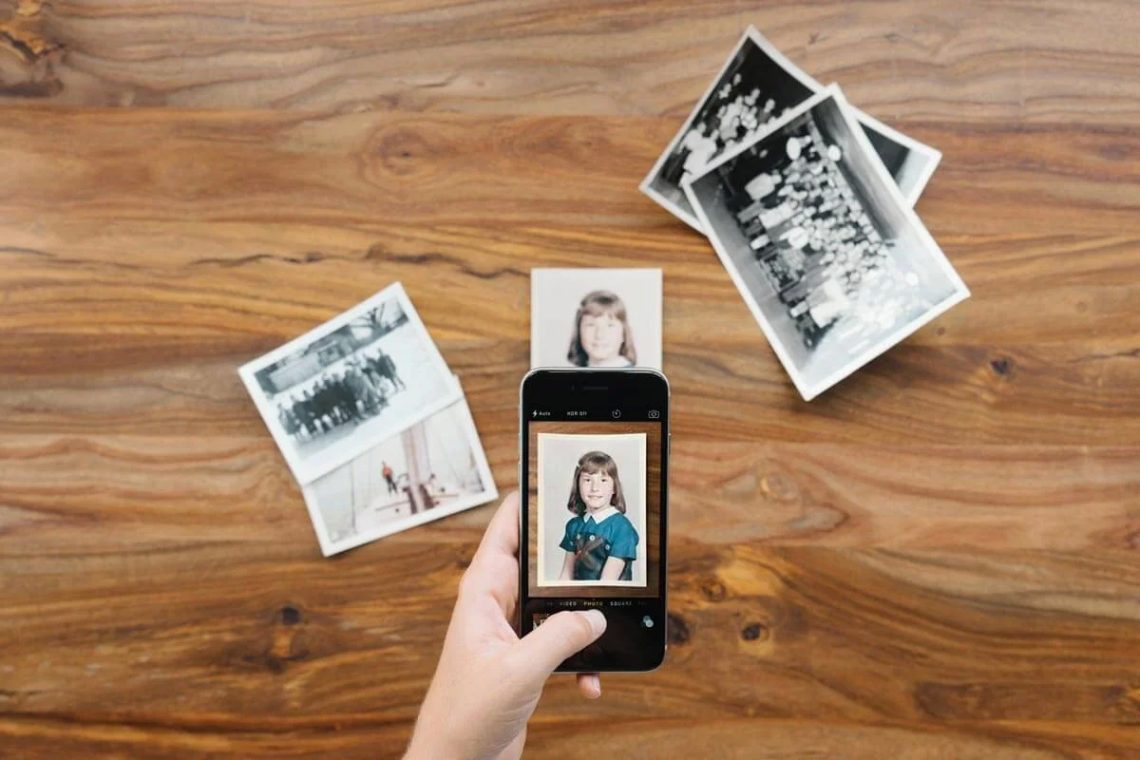
In the age of digital photography, we snap hundreds of pictures a month, but many of our most cherished memories are still trapped in shoeboxes or old albums. Thanks to modern smartphone cameras, you no longer need a scanner or professional equipment to bring those faded prints back to life. At Canvas.ca, we've seen a surge in customers using their phones to capture old photos and transform them into stunning canvas art. Here's how you can do it too.
Why Convert Old Photos to Canvas?
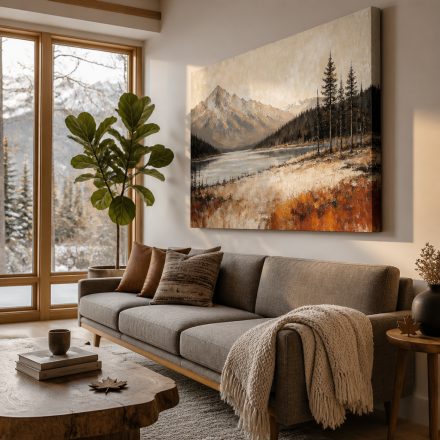
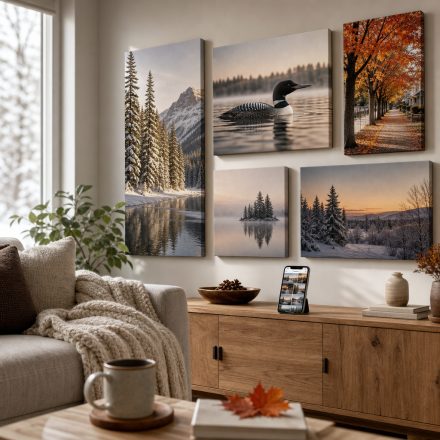
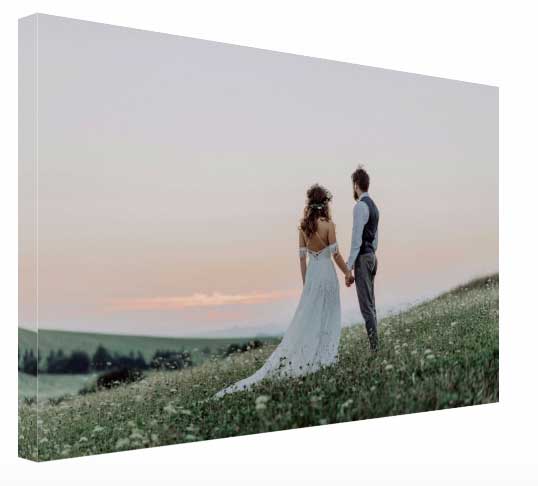
Old photos are delicate. They fade, tear, and get lost over time. Turning them into canvas prints not only preserves them but turns them into a piece of home decor. Imagine your grandparents' wedding photo hanging in your living room or a childhood snapshot in the hallway. Canvas prints add texture, depth, and a timeless feel that paper prints just can't match. Plus, they make meaningful gifts for family reunions or holidays.
Step 1: Capture Your Photo the Right Way
Your smartphone is more than capable. For best results, photograph your old photo in a well-lit area, preferably near a window with indirect sunlight. Avoid using flash, which can cause glare. Lay the photo flat on a table and hold your phone parallel to it. Use the highest resolution setting and tap the screen to focus. If you have a photo scanning app like Google PhotoScan, it can help eliminate glare and shadows automatically. For larger prints, consider scanning at a library or office supply store, but a good phone shot works wonders for standard canvas sizes.
Step 2: Edit and Enhance
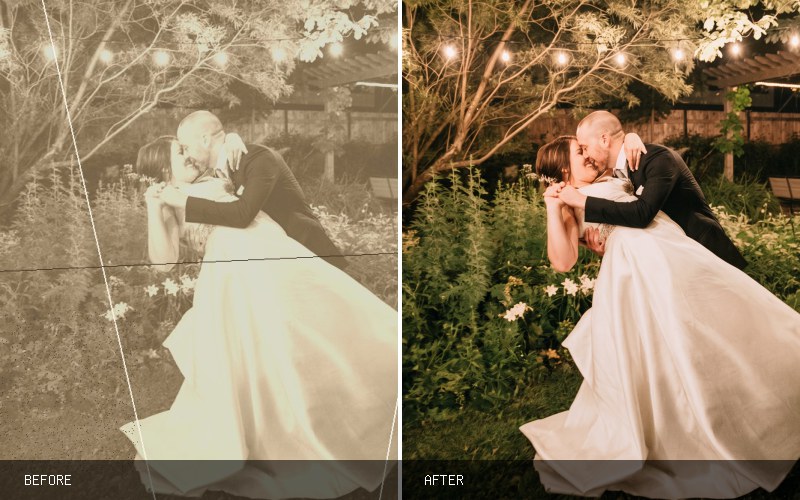
Once you have the digital copy, use free editing tools to adjust brightness, contrast, and color. Old photos often have a yellow tint, which can be corrected with a simple white balance adjustment. Apps like Snapseed or Adobe Lightroom Mobile are user-friendly. Crop out any borders or damage, but be careful not to cut off important parts of the image. For black-and-white photos, ensure the tones are rich and not washed out. Your goal is to make the image look as close to the original memory as possible.
Step 3: Choose Your Canvas at Canvas.ca
Now comes the fun part. Head to Canvas.ca and select your preferred canvas size. We offer everything from small 8x10 inch prints to large statement pieces. Our gallery wrap option lets the image continue around the edges, giving a modern, frameless look. For old photos, a classic wrap with a white border can create a vintage feel. Upload your image, and our system will check the resolution to ensure a crisp print. If the photo is slightly blurry, don't worry—canvas texture can actually soften imperfections and add a painterly quality.
Step 4: Personalize and Order
Canvas.ca lets you customize further. Add a black-and-white filter for a nostalgic vibe, or keep it color. You can also add text, like the date or a name, to make it a true family heirloom. Once you're happy, place your order. We use high-quality inks and stretch each canvas over a sturdy frame by hand. In about a week, your memory arrives at your door, ready to hang.
Tips for Best Results
If your old photo is very small, don't enlarge it too much—stick to smaller canvas sizes to avoid pixelation. For group photos, ensure faces are clear and centered. Always save your edited image as a high-resolution JPEG or PNG. And remember, even a slightly imperfect photo can become a beautiful piece of art when printed on canvas. The texture adds a unique charm that digital screens can't replicate.
Why Canvas.ca Loves This Trend
We see it every day: customers rediscovering their past through their phones. It's a beautiful way to blend technology with tradition. By scanning or photographing old photos, you're not just preserving a moment—you're giving it a new life as part of your home's story. Our canvas prints are built to last, so future generations can enjoy these memories too.
Ready to turn your old photos into wall art? Visit Canvas.ca today, upload your favorite snapshot, and create a canvas print that will bring joy for years to come. Your memories deserve to be seen, not stored away.